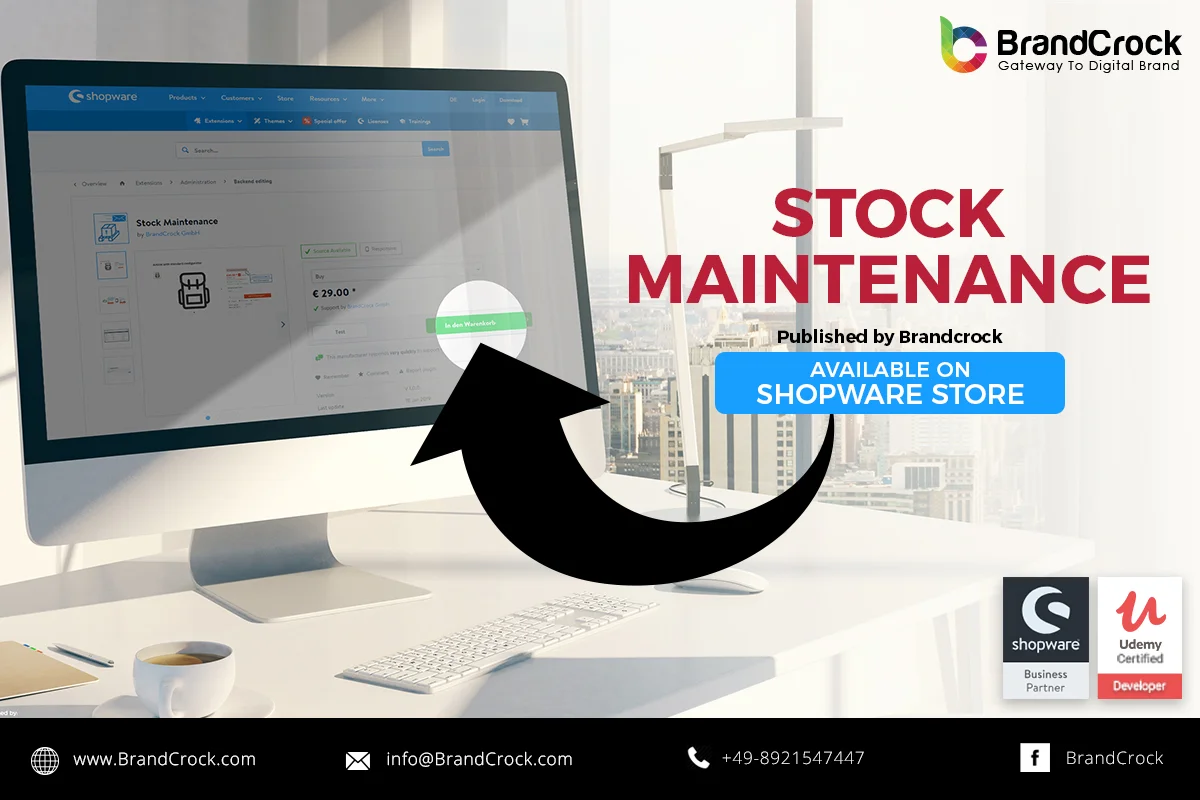
Show Article Stock level BarPlugin allows to displays indicator for an End Customers to notify the product stock notifications while purchasing. Stock status has 3 colors, green – Instock, yellow- Lowstock, red- outofstock . Stock indicator displays in the listing page for each product and for variant products , it displays stock status for each variant combination in detail page. Also, notifies the store administrators via E-mail if a product stock limit goes down.
Link to download: https://store.shopware.com/en/brand99593567531/stock-maintenance.html
Please let us know about you reviews and feedback, if you require further assistance regarding this plugin or other Shopware related issues, just drop us an email or contact us.info@staginglatest.brandcrock.com
Please find more details about BrandCrock Shopware Plugin development on Shopware Plugin Development section.

 Vaid Ali
 Jun 23, 2020