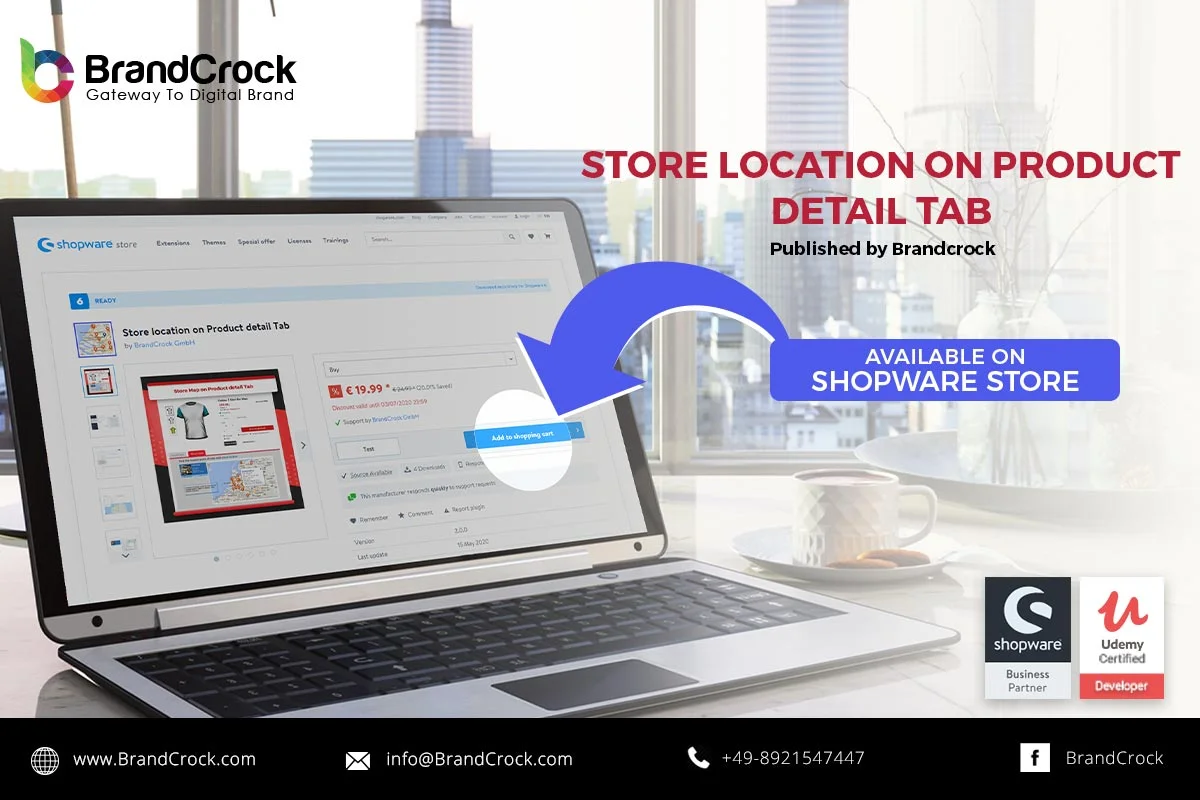
Shopware 6 Plugin Store Map plugin helps your website visitors find your business location. Using Google Map iframe, you can embed map on your website easily. You can display the Business location on Map on all Product Detail Pages in a separate Tab by using the plugin configuration field. Multiple Business locations can be displayed on specific products through this plugin. For example the product A is available at X location only and product B is available on Y location only then different locations on the map for product A can be displayed on product A detail page.
Highlights
- Display the Business location on Map on all Product Detail Pages in a separate Tab
- Multiple Business locations can be displayed on a specific Product(s)
- Display the Business Timing on all Product Detail Pages
Please let us know about your reviews and feedback, if you require further assistance regarding this plugin or other Shopware related issues, just drop us an email or contact us. info@staginglatest.brandcrock.com
Please find more details about BrandCrock Shopware Plugin development on the Shopware Plugin Development section

 Vaid Ali
 Nov 29, 2018