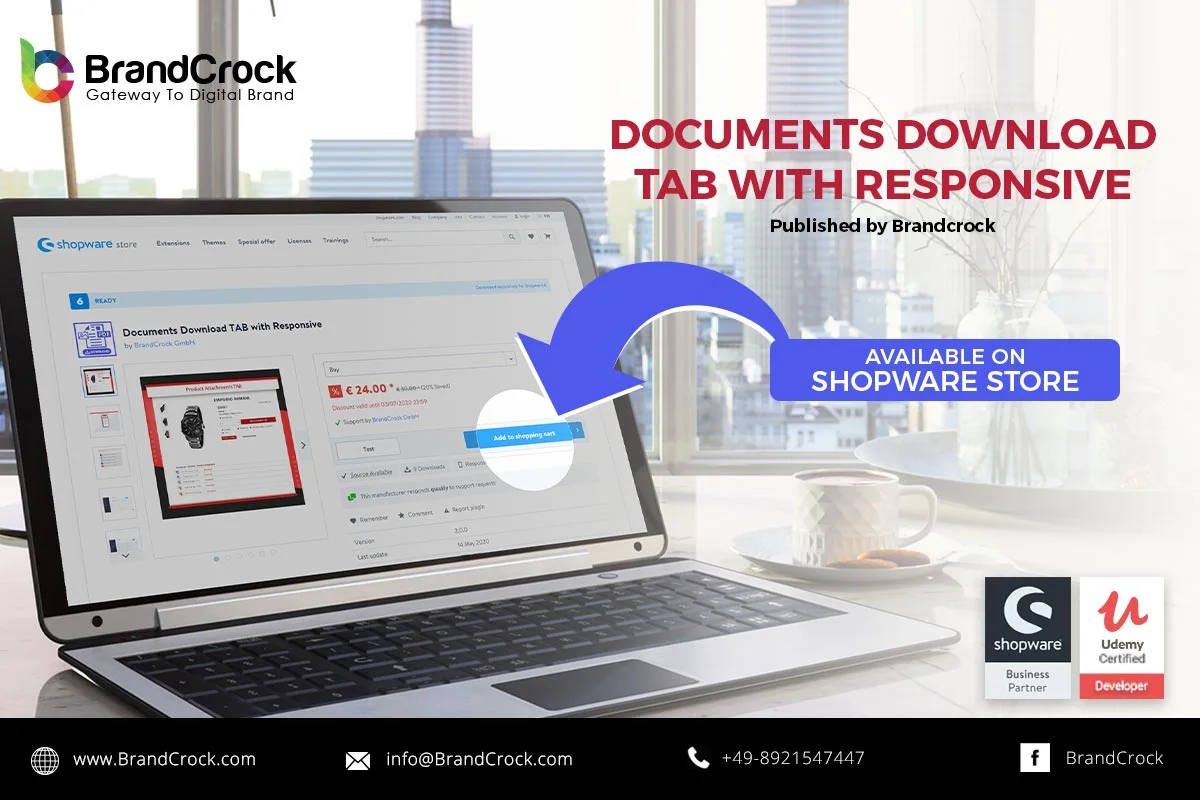
Your requirement of all Downloadable documents/files (PDF, Jpeg, and PNG) in a separate tab is fulfilled by this plugin. One additional tab will be created on the Product Detail Page. There you can upload five files with each product. Clicking on any file (PDF, Jpeg, and PNG) will open in a new tab.
Features
- Five files with each product
- No file size limit
- File preview available for Shop customers
- Support SVG, PDF, JPEG, and PNG file
- Downloadable
- Preview available
Please let us know about your reviews and feedback, if you require further assistance regarding this plugin or other Shopware related issues, just drop us an email or contact us. info@staginglatest.brandcrock.com
Please find more details about BrandCrock Shopware Plugin development on the Shopware Plugin Development section
Post Views: 4,008

 Vaid Ali
 Nov 29, 2018